


01 / COLLAGESLittle moments.
Little moments.
Lovely together.
Start with a minimal grid, an editorial layout or a playful scrapbook. Fill the photo slots and make it yours.
 PicWiz
Get PicWiz
PicWiz
Get PicWiz
A little studio. A lot of possibility.
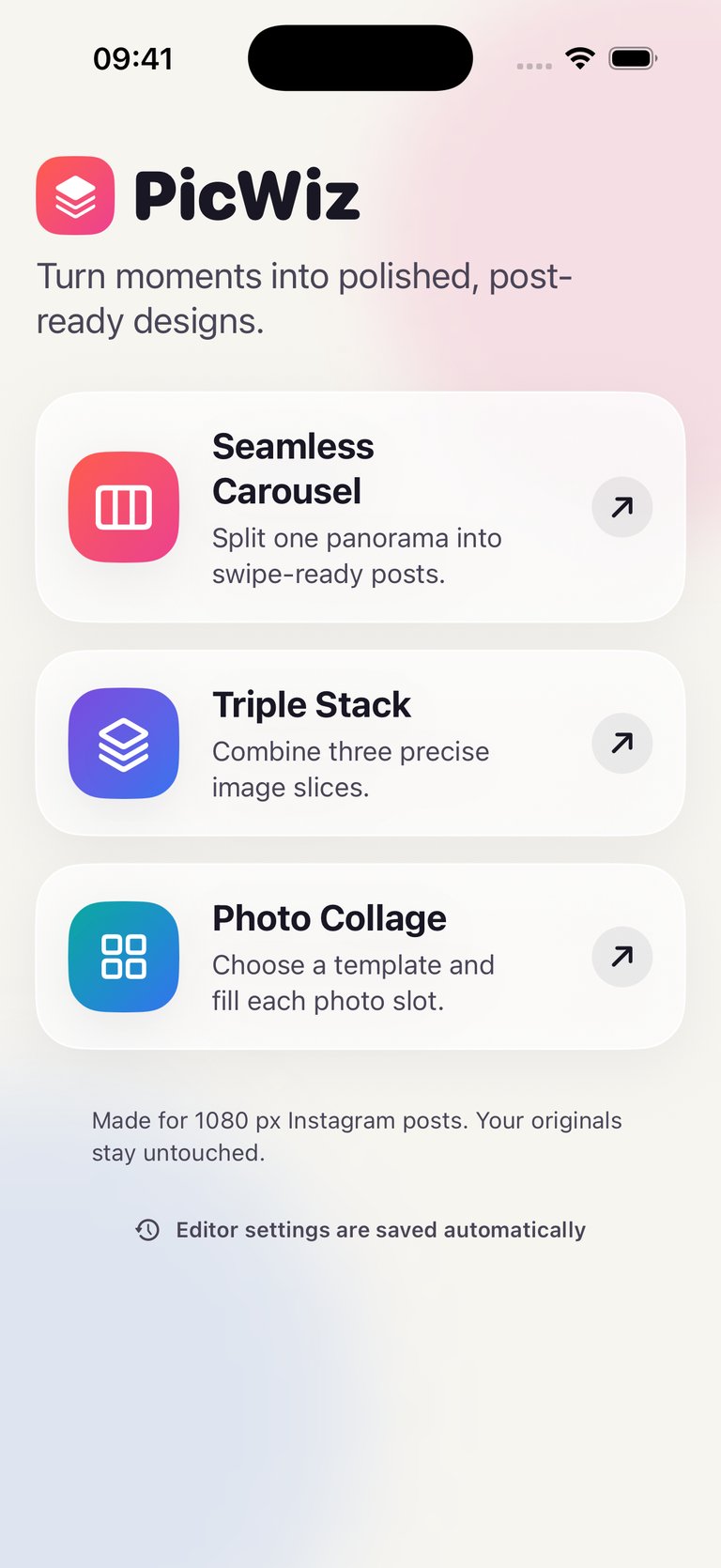
Give your favourite moments a fresh perspective. Create seamless carousels, playful collages and striking photo stacks, right on your iPhone.
Made for iPhone · 5 free saves · No subscription
Less fuss. More creating.
From a weekend away to your next big idea. Find the composition that tells your story.
Start with a minimal grid, an editorial layout or a playful scrapbook. Fill the photo slots and make it yours.
Turn one panorama into 2–10 aligned posts, or explore photo templates that flow across multiple frames.
Combine three precise slices in rows or columns. Adjust each photo’s position to get the balance just right.
Your moments. Your aesthetic.
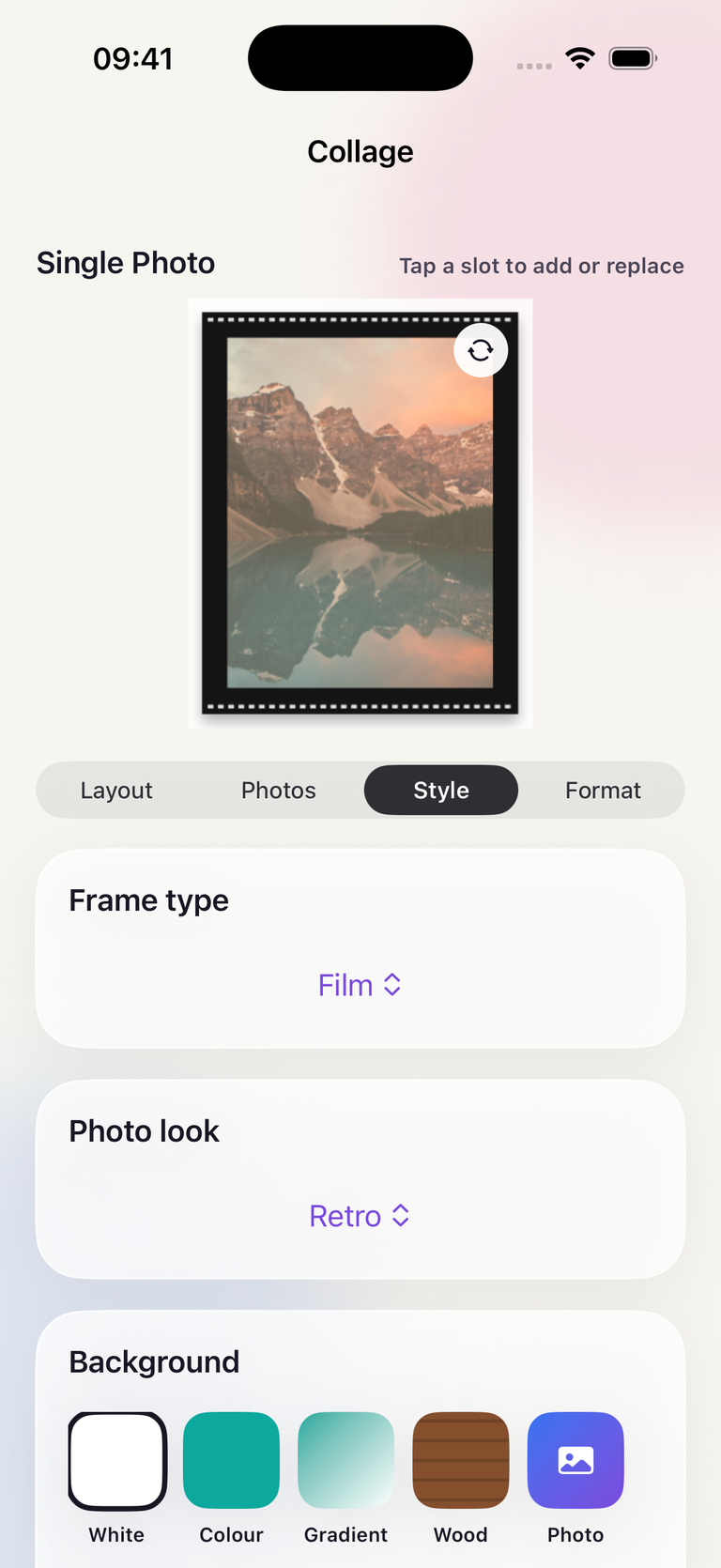
Keep it clean or add some character. Give your photos a finish that feels like you.
Explore Polaroid, Film, Torn paper and more on supported photo templates.
Go Retro, try Sepia or B&W, or keep the original colours you love.
Choose a colour, gradient, wood or photo background on compatible layouts.
From camera roll to ready to post
Choose an editor and bring in the moments you want to share.
Fine-tune your layout, crop and style. Preview the finished design before saving.
Save new, 1080-pixel-wide images to Photos in square, portrait or landscape format.
Your originals stay untouched. Photo editing and rendering happen on your device.
Our privacy policyMeet your pocket-sized creative studio
Explore every editor, template and format with five free saves. Want to keep creating? Unlock unlimited saves with a one-time PicWiz Pro purchase.
Download PicWiz for iPhoneNo subscription. Just your next good idea.
Yes. You get five free saves, with access to all editors, templates and export formats. One successful save counts once, even when it creates a multi-frame carousel. Editing and previewing do not use a save.
No. PicWiz Pro is a one-time in-app purchase that unlocks unlimited saves. Check the app for the current price in your region. You can restore an existing purchase from the unlock screen.
They’re saved to your iPhone’s Photos library as new images. Carousel frames are saved in swipe order, ready for you to select when making your post. PicWiz asks for permission to add images when you first save.
PicWiz requires iOS 17.6 or later. See the App Store listing for device compatibility and the latest version.
PicWiz edits and renders your selected photos on your device. It does not upload them to the developer. Apple may download selected iCloud Photos to your device, and your free-save count can sync through iCloud. Read our privacy policy for details.